
GPT Image 2.5 Guide and Usage
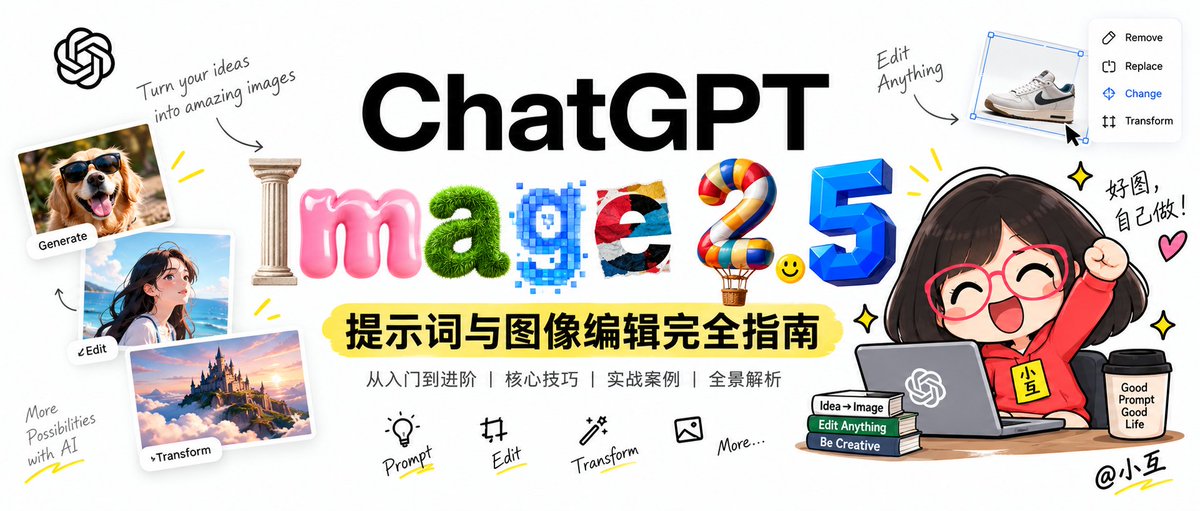
Guide covers GPT Image 2.5 prompt and image editing. - Shift from single text-to-image prompts to constrained iterative workflows. - Workflows: local editing, multi-image composition, character consistency, engineering delivery. - Targets ChatGPT creators: posters, comics, UI prototypes, e-commerce images. - API migration from GPT Image 1/1.5/2 to 2.5. - Covers core mechanisms, parameter baselines. - 8 prompt-writing principles. - 22 named workflows: 9 generation, 8 editing, 2 cross-turn, 3 more. - Includes engineering-level prompt templates and toolkit. - User generated 3 images with GPT Image 2.5. - Print resolution insufficient. - Free upscale site limit: 3 images. - Browser/cookie changes allow more upscales. - 10x upscaling: 20+ MB to 100 MB each. - Pixel dimensions exceeded 10,000. - Upscale tool link in comments.
Key insights
GPT Image 2.5 Marks a Shift to Iterative Workflows
The guide frames GPT Image 2.5 as shifting AI image generation from single text-to-image prompt skills to a workflow based on explicit constraints, controllability, and step-by-step acceptance. The guide positions GPT Image 2.5 for both creative production and API migration. Key components include local editing, multi-image composition, character consistency, and engineering delivery. The guide covers all official core mechanisms, parameter baselines, 8 prompt-writing principles, and 22 named workflows split into 9 generation, 8 editing, 2 cross-turn, and 3 additional workflows. It also supplies engineering-level prompt templates and a practical toolkit.
Official Guide Targets Creators and API Developers
The official guide addresses two broad audiences. Creators using ChatGPT to build posters, comics, UI prototypes, and e-commerce images receive practical workflow instructions. Developers who need to migrate APIs from older GPT Image versions 1, 1.5, and 2 to GPT Image 2.5 are also covered. The guide explains core mechanisms, parameter baselines, and workflow categories so both groups can apply GPT Image 2.5 in production-like settings. This includes the full breakdown of official core mechanisms and parameter baselines. Both audiences get actionable reference material.
Users Rely on External Upscaling for Print Output
A user generated three images with the latest GPT Image 2.5 and found the native output resolution insufficient for printing. The user used a free upscaling website, but the free tier only processed 3 images. Switching browsers or clearing cookies allowed more free upscales. At 10x upscaling, each image increased from over 20 MB to 100 MB, and pixel dimensions exceeded 10,000. The file size jump made each image roughly 100 MB. The upscaling tool link was shared in the comment section.