
Image Enhancement and Generation Techniques (Magnific Skin Enhancer and Tutorial)
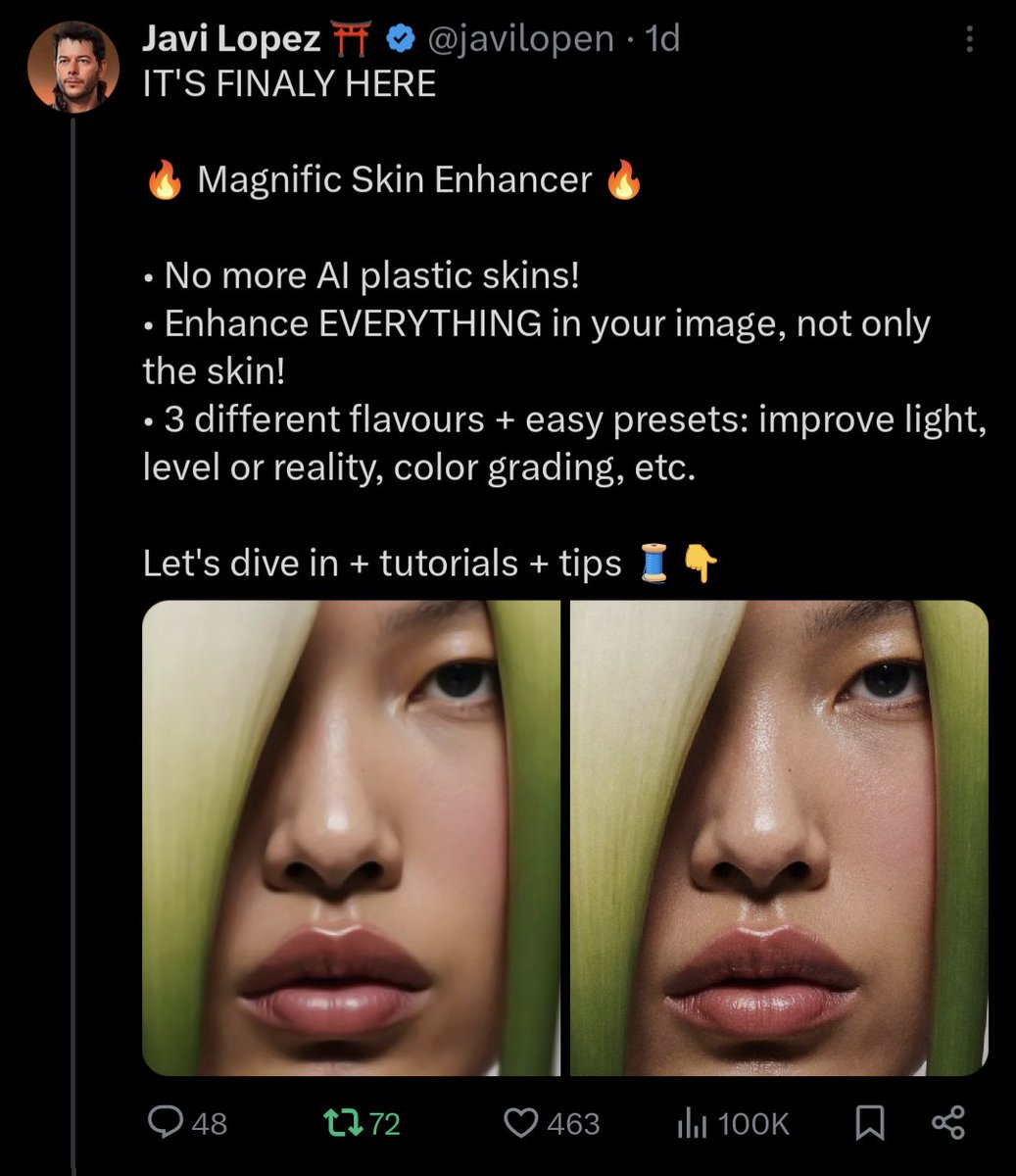
The release of tools and tutorials focuses on enhancing the naturalness of skin and details in AI-generated images, providing practical parameters and processes. · The Magnific Skin Enhancer is officially launched, aiming to eliminate the 'plastic feel' of AI-generated images and improve their naturalness (15070). · It claims that after usage, the AI detection rate can drop to 0-2%, showcasing comparison examples (15083). · Accompanying tutorials and parameter suggestions are released, such as Sharpen 7%, Smart grain 12%, etc., to improve rendering and high-resolution output (14867, 14871). · The tutorials also recommend achieving approximately 7k resolution output under the 4x Creative Upscaler, demonstrating parameter combinations for different content types like 3D rendering and photos (14869). · The community continues to share use cases and fine-tuning techniques to enhance the realism of generated images (14866, 15189).
Key insights
Magnific Skin Enhancer: Tool for Eliminating AI Plastic Feel Released
The tool has been announced and showcases multiple comparison examples, aiming to enhance the realism of portraits and rendering details. The publisher claims that using this tool can significantly reduce the automatic detection rate of AI (supporting posts: 15070, 15083).
Author Also Reveals Specific Parameters and Processes for Reproduction
The publisher provides recommended parameters (such as Sharpen 7%, Smart grain 12%) and workflow examples combined with the Creative Upscaler, demonstrating how to enhance details and naturalness in 3D rendering and photos (supporting posts: 14867, 14869, 14871).